I’ve recently been asked if there’s a way to open a database in Base from the Terminal.
You can use the open command for this. This opens a file in the same way as double-clicking it in
the Finder. You do need to have Base installed first, though
(get a copy here).
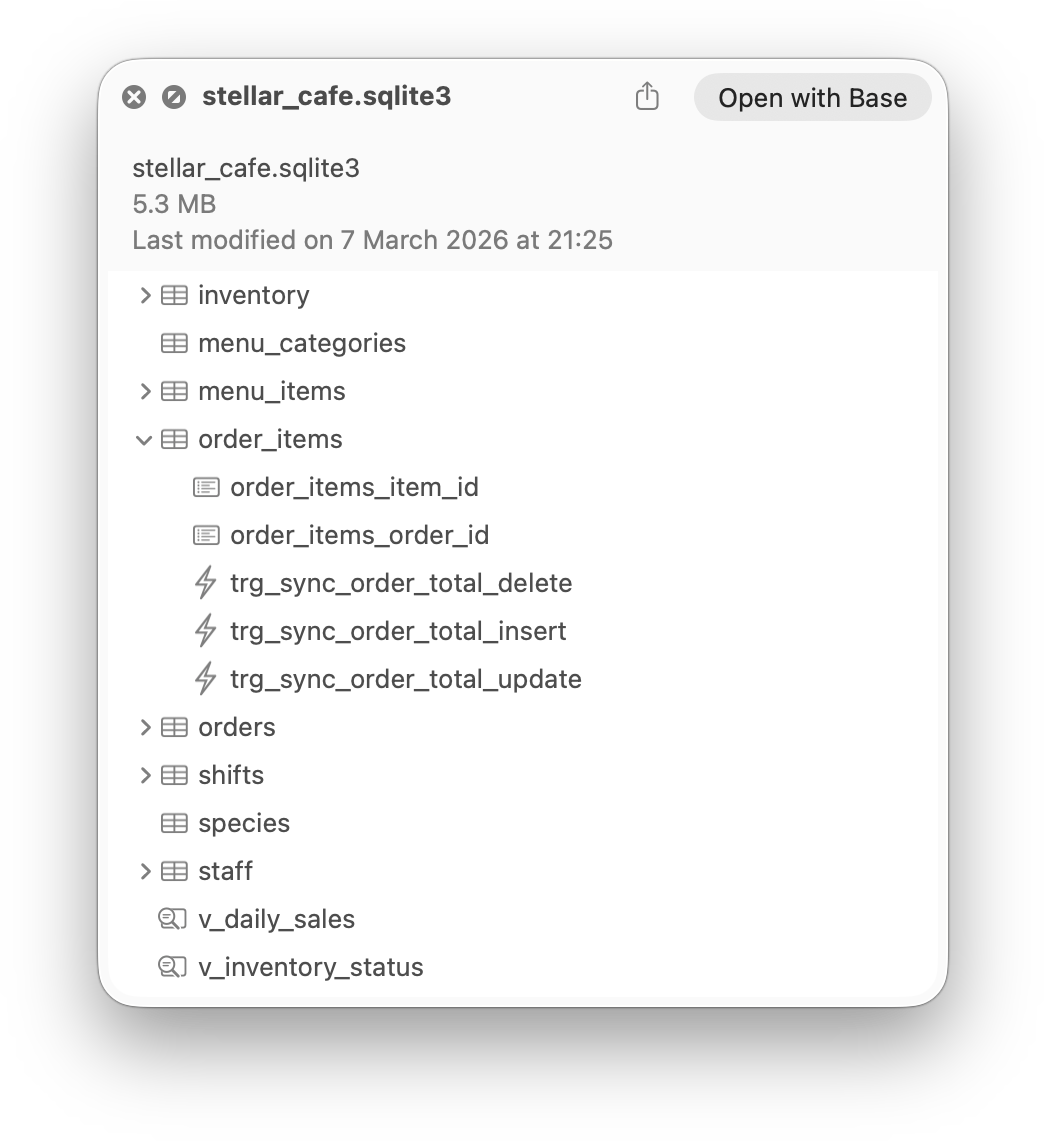
Base now provides Quick Look previews for SQLite databases. When you’ve got a database selected in
the Finder, pressing the spacebar will show a list of tables, views, triggers and indexes in
that file.
The first version of Base was released in late 2008. It grew into a v2 by early 2011 and kept going
until the last feature release in 2020 (with a few bugfix releases after).
On the 4th July 2020, I started a new branch for Base v3.
Base is now available on Setapp, a new service from MacPaw which gives you access to more than 50 great apps for $9.99 per month, with a month’s free trial to start.
When you subscribe to Setapp, you have unlimited access to a curated library of useful apps. There are no upgrade fees, no ads, and no in-app purchases. One fixed fee gets you all of it.